The web was originally designed to be a universal space accessible to everyone, regardless of their hardware, software, language, location, or ability. However, as web design has become more complex and visually driven, we have inadvertently built barriers for millions of users with disabilities. Web Accessibility (A11y) isn't just a "nice-to-have" feature; it is a fundamental pillar of modern web development and a critical component of high-end SEO.
"The power of the Web is in its universality. Access by everyone regardless of disability is an essential aspect." — Tim Berners-Lee, W3C Director and Inventor of the World Wide Web.
What is WCAG and Why Does it Matter?
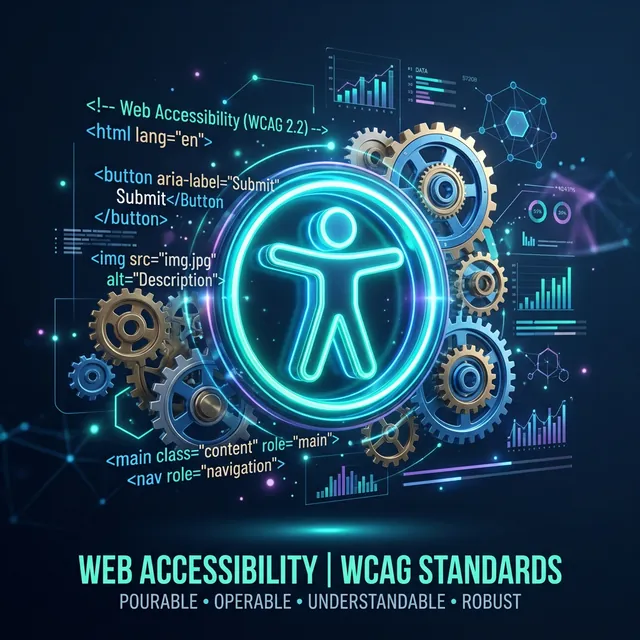
The Web Content Accessibility Guidelines (WCAG) are developed by the W3C (World Wide Web Consortium) to provide a single shared standard for web content accessibility that meets the needs of individuals, organizations, and governments internationally. These guidelines are organized under four main principles, often referred by the acronym POUR:
1. Perceivable
Information and user interface components must be presentable to users in ways they can perceive. This means providing text alternatives for non-text content, such as alt tags for images, and ensuring that color contrast is sufficient for users with visual impairments.
2. Operable
User interface components and navigation must be operable. Users must be able to interact with your site using a keyboard alone, navigate through content easily, and have enough time to read and use the content without being rushed by timers or fast-moving animations.
3. Understandable
Information and the operation of the user interface must be understandable. This involves making text readable and predictable, helping users avoid and correct mistakes, and ensuring that the language of the page is clearly defined in the HTML.
4. Robust
Content must be robust enough that it can be interpreted reliably by a wide variety of user agents, including assistive technologies like screen readers. This requires using valid, semantic HTML that follows standard conventions.
The Business Case for Accessibility
Beyond the moral obligation, there are compelling business reasons to prioritize WCAG compliance:
- Legal Protection: In many jurisdictions, including the US (ADA), EU (EN 301 549), and Canada (AODA), web accessibility is a legal requirement. Non-compliance can lead to expensive lawsuits and damage to your brand reputation.
- SEO Boost: Google's search algorithms increasingly prioritize user experience. Semantic HTML, proper heading structures, and descriptive alt text—all core A11y practices—are also core SEO practices.
- Expanded Market Reach: Approximately 15% of the world's population lives with some form of disability. By building an accessible site, you aren't just being "nice"; you're opening your business to a massive, often underserved global market.
- Better Design for Everyone: Trends like "Dark Mode" and high-contrast interfaces started as accessibility features but are now preferred by general users. A11y almost always leads to a cleaner, more intuitive UX for everyone.
Common HTML Accessibility Pitfalls
Even experienced developers often make simple mistakes that break the experience for assistive technology users. Here are the most common "Red Flags":
Missing Alt Text on Meaningful Images
An image without an alt attribute is a "black hole" for a screen reader. However, the opposite mistake is also common—adding descriptive alt text to purely decorative elements like background gradients or divider lines. If an image doesn't add meaning, use alt="" so the screen reader knows to skip it.
Poor Heading Hierarchy
Headings (H1-H6) are the "Map" of your page. Screen reader users often navigate by jumping from heading to heading. If you skip levels (e.g., going from an H1 directly to an H3 for styling reasons), you break that map. Always use headings to define the logical structure of your document, not for visual font-sizing.
Non-Descriptive Link Text
Links that say "Click Here" or "Read More" are useless when viewed in a "Links List" by a screen reader. A user won't know where the link goes. Instead, use descriptive text like "Read our Guide on PDF Compression" or "Download the 2026 Audit Report."
How to Audit Your Site with iLoveToolHub
Manual testing is essential, but automated tools can catch 80% of common errors instantly. Our **HTML WCAG Validator** analyzes your code for contrast ratios, missing labels, incorrect ARIA roles, and structural errors. Best of all, because it runs locally, you can audit sensitive development code or private dashboards without ever uploading your proprietary source code to our servers.
Conclusion: Inclusivity by Design
Accessibility is not a checklist you complete at the end of a project; it is a mindset you adopt at the beginning. By writing semantic HTML and respecting WCAG standards, you are building a faster, better, and more human web. Start your accessibility journey today by auditing your current projects and committing to a "Local-First, Inclusivity-First" development workflow.