Are you sending your bank statements, tax returns, or internal company memos as "naked" PDF attachments? If so, you are exposing yourself to significant risk. Email is inherently insecure, and once a PDF is sent, you lose control over who views it. The only way to ensure truly private communication is through robust PDF encryption. Here is why and how you should be locking your documents.
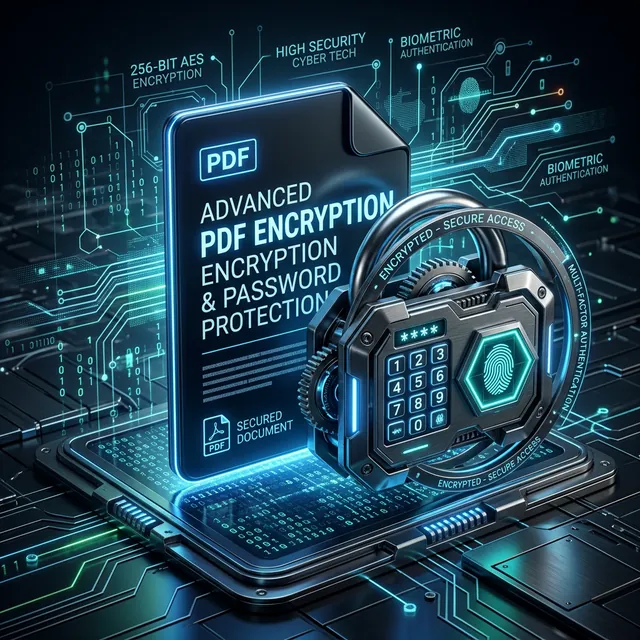
AES-256: The Gold Standard of Encryption
Not all PDF passwords are the same. Older security standards can be "cracked" in seconds by modern computers. Our "Protect PDF" tool uses AES-256 bit encryption—the same standard used by banks and government agencies. This means that without the correct password, the content of your PDF is just scrambled noise that would take a supercomputer years to decode.
How to Use "Protect PDF" on iLoveToolHub
Most encryption tools require you to upload your file to their server, which is ironic—you're sending your "secret" file across the internet to secure it. At iLoveToolHub, the encryption happens locally. You drop the file, type your password, and our JavaScript engine wraps the file in an encrypted layer right there in your browser. The "secret" version of your file is then generated for download. No one—not even us—ever sees your content or your password.
The Art of a Strong Password
A secure lock is useless if the key is under the doormat. Avoid using easily guessable passwords like "123456" or your pet's name. A truly secure password should be at least 12 characters long and include a mix of uppercase letters, numbers, and symbols. If you are struggling to think of one, use our built-in "Password Generator" to create a "High Entropy" key that is impossible to brute-force.
What Happens if I Lose My Password?
This is a critical point: because iLoveToolHub is 100% private and doesn't store your data, there is no "Forgot Password" feature. If you encrypt a file and lose the password, even we cannot get it back for you. Always keep your passwords in a secure password manager like Bitwarden or 1Password.
Best Practices for Document Security
- Individual Passwords: Don't use the same password for every document you send. If one is compromised, they all are.
- Separate Communication: Never send the password in the same email as the encrypted PDF. Send it via a separate text message or a different chat app.
- Regular Audits: If you have sensitive files stored on your computer, encrypt them with a "Master Password" to protect them in case your device is stolen.
Closing Thoughts
In a world of constant digital surveillance, taking control of your document security is an act of digital hygiene. By using local-first tools like iLoveToolHub, you can protect your most sensitive information without ever having to trust a third-party server. Stay safe, stay encrypted.