Managing large PDF documents can be a logistical nightmare. Imagine you have a 200-page corporate manual but only need to send the "Safety Guidelines" (pages 45-52) to a new contractor. Or perhaps you have a single PDF containing 50 individual invoices that need to be filed separately. This is where PDF splitting comes in—a surgical way to deconstruct documents for better organization.
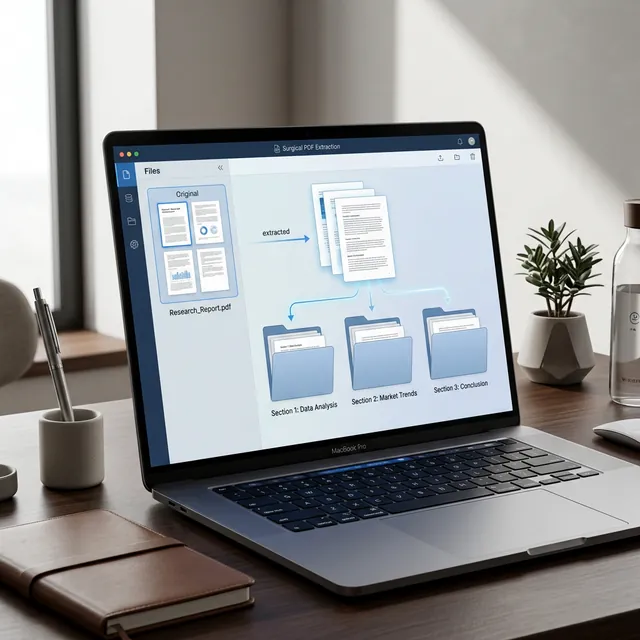
Server-Side vs. Local Splitting
Most people google "PDF Splitter" and click the first link. What they don't realize is that they just sent their entire document (which might contain sensitive financial data) to an unknown server. With iLoveToolHub, the "Split" happens in your browser's memory. The bytes are sliced locally, ensuring that the fragmented pieces never cross the wire. This is critical for legal, medical, and banking professionals.
Three Ways to Split a PDF
Depending on your goal, there are different strategies for splitting:
1. Fixed Page Ranges
This is the most common method. You define a start and end page (e.g., 10-20). The tool creates a single new PDF containing only those 11 pages. Use this for extracting chapters or specific document sections.
2. Individual Page Extraction (The "Deck of Cards" Method)
Sometimes you need page 1, page 5, and page 12. Our tool allows you to comma-separate these values. We will stitch those non-consecutive pages into a single, cohesive file for you. It's like taking the best cards from different decks to make a winning hand.
3. Split All (The "Burst" Mode)
If you have a document where every page is a different record, you can use "Split All." This "bursts" the PDF into separate files—one for every single page. We then bundle these into a ZIP file for you to download in one click. This is a lifesaver for accounts payable departments.
Maintaining Metadata and Links
A common problem with low-quality splitters is that they "print" the pages to a new file, which breaks internal hyperlinks and removes document bookmarks. iLoveToolHub uses native stream copying. This means we don't "re-read" the page; we copy the original data segments. Your links stay active, and your text remains 100% searchable.
Workflow Pro-Tip: Split then Merge
Workflow efficiency often involves combining these tools. You might split pages from three different PDFs and then use our "PDF Merge" tool to join those specific fragments into a new "Master Report." Because it's all local, this complex multi-step process takes seconds, not minutes.
Conclusion
Don't let massive PDF files slow you down. By mastering the art of the split, you can communicate more effectively, sending only what is relevant to your audience. Try iLoveToolHub's private splitting tool today and take control of your document fragments.