In the high-stakes world of Search Engine Optimization (SEO), milliseconds matter. Google has explicitly stated that page speed is a ranking factor, and images are almost always the heaviest part of a website. Enter WebP: the modern image format that is changing the web landscape. If you are still using JPG or PNG for your blog posts or e-commerce site, you are leaving ranking potential on the table.
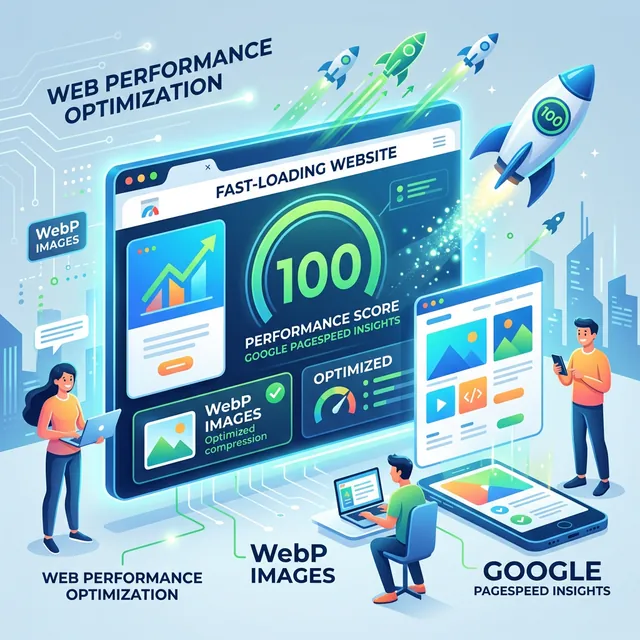
What is WebP and Why Does Google Love It?
WebP is an image format developed by Google that provides superior lossless and lossy compression for images on the web. Using WebP, webmasters and web developers can create smaller, richer images that make the web faster. WebP lossy images are 25-34% smaller than comparable JPEG images at equivalent SSIM quality index. WebP lossless images are 26% smaller in size compared to PNGs.
The SEO Benefits of Converting to WebP
Beyond simple file size, WebP impacts your SEO in several critical ways:
- Largest Contentful Paint (LCP): This Core Web Vital measures when the largest content element on the page becomes visible. Converting hero images to WebP can shave seconds off this metric.
- Lower Bounce Rates: Users leave slow sites. Faster images mean higher engagement, which signals to Google that your site is high quality.
- Mobile First Indexing: For mobile users on 4G/LTE, WebP's smaller footprint is the difference between a page loading in 2 seconds or 8 seconds.
When to Use WebP vs. Other Formats
While WebP is amazing, there are still specific use cases for other formats. However, for 90% of web content, WebP is the winner. Use it for blog headers, product thumbnails, and gallery images. Only stick to PNG if you need extremely specific alpha-channel transparency features that are unsupported in older browsers (though this is increasingly rare today).
How to Batch Convert with iLoveToolHub
Manually converting images one by one is a chore. Our "Image Converter" tool allows you to drag and drop dozens of files at once. You can select "Output Format: WebP" and hit convert. The process happens instantly in your browser. We don't upload your images to a server, so your bandwidth is saved only for the tool itself, not the massive image payloads.
Implementation Tips for WordPress and Custom Sites
If you use a CMS like WordPress, many plugins will now automatically serve WebP if it's available. For custom sites, use the <picture> tag to provide a WebP version with a JPG fallback for extremely old browsers. This ensures everyone gets the fastest experience possible while maintaining compatibility.
Conclusion
Transitioning to WebP is one of the "lowest hanging fruits" in SEO. It requires minimal effort for a massive gain in performance. Start auditing your site's images today and use iLoveToolHub to modernize your asset library without compromising your privacy or your budget.